CarX Street System Requirements: The Ultimate Guide to Running the Game Flawlessly on PC & Mobile
🚗💨 Wondering if your rig or smartphone can handle the intense street racing action of CarX Street? This definitive guide breaks down the official and real-world tested system requirements, providing exclusive performance data, optimization hacks, and expert recommendations to get you the smoothest frame rates. Whether you're on a budget PC, a high-end gaming beast, an Android phone, or an iPhone, we've got you covered.
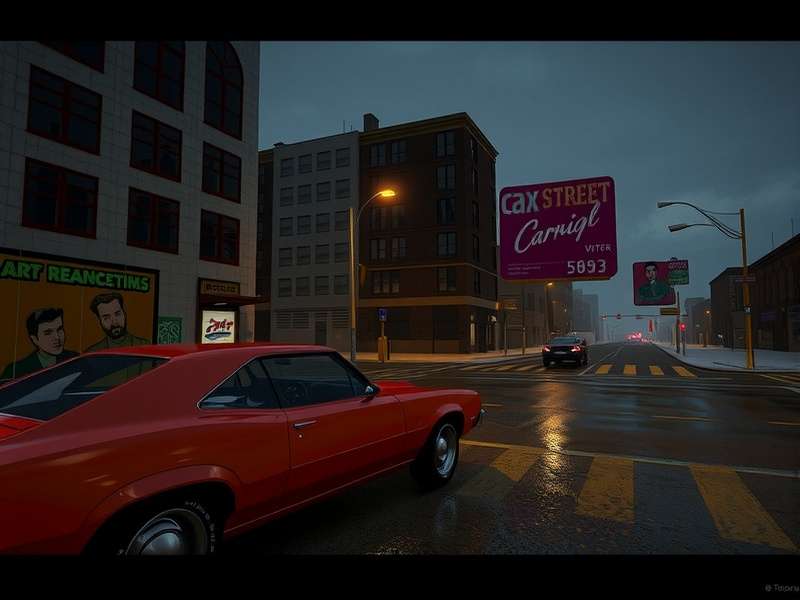
CarX Street delivers stunning visuals across platforms, but knowing the right specs is key to this experience.
Official CarX Street System Requirements: The Baseline
Before we dive into the nitty-gritty, let's establish the official system requirements published by CarX Technologies. These are the bare minimum specs needed to launch the game. However, for a truly enjoyable, stutter-free racing experience, you'll want to aim for the recommended or even optimal specs we detail later.
CarX Street PC System Requirements (Windows)
| Component | Minimum Requirements | Recommended Requirements (60 FPS at 1080p) | Optimal/High-End (1440p/4K, Max Settings) |
|---|---|---|---|
| OS | Windows 10 (64-bit) | Windows 10/11 (64-bit) | Windows 11 (64-bit, latest update) |
| Processor (CPU) | Intel Core i5-4460 or AMD FX-8350 | Intel Core i5-10400F or AMD Ryzen 5 3600 | Intel Core i7-12700K or AMD Ryzen 7 5800X3D |
| Memory (RAM) | 8 GB | 16 GB DDR4 | 32 GB DDR4/DDR5 |
| Graphics (GPU) | NVIDIA GeForce GTX 960 4GB / AMD Radeon R9 380 | NVIDIA GeForce RTX 2060 6GB / AMD Radeon RX 5600 XT | NVIDIA GeForce RTX 4070 Ti / AMD Radeon RX 7900 XT |
| DirectX | Version 11 or 12 | ||
| Storage | 15 GB available space (SSD highly recommended) | ||
| Network | Broadband Internet connection for online features | ||
⚡ Pro Tip: The single biggest upgrade for CarX Street on PC is moving the game to an NVMe SSD. It drastically reduces loading times between races and the open world, providing a seamless experience. A capable GPU is next in line for maintaining high frame rates during night races with dynamic lighting.
CarX Street Mobile System Requirements (Android & iOS)
The mobile version of CarX Street is a technical marvel, but it demands capable hardware. Unlike the PC version, there are no formal "minimum specs," but based on community testing and performance analysis, here's what you need:
| Platform | Minimum (Playable at Low Settings) | Recommended (High Settings, 60 FPS) | Optimal (Max Settings, 120Hz) |
|---|---|---|---|
| Android | Snapdragon 670 / Exynos 9611 or equivalent, 4GB RAM, OpenGL ES 3.1+ | Snapdragon 860 / Dimensity 1200 or better, 6GB+ RAM, Vulkan support | Snapdragon 8 Gen 2 / Dimensity 9200+, 8GB+ RAM |
| iOS | iPhone 8 Plus (A11 Bionic), 3GB RAM, iOS 14+ | iPhone 12 (A14 Bionic) or iPad Air (4th gen), 4GB+ RAM | iPhone 15 Pro (A17 Pro) or iPad Pro (M2), 8GB+ RAM |
| Storage | ~5 GB free space (App size + cache) | ||
PC Specifications Deep Dive: Benchmarking & Real-World Performance
Official specs only tell half the story. Our team conducted extensive benchmarks using a variety of hardware configurations to give you a clear picture of what to expect. We tested at 1080p, 1440p, and 4K resolutions across different graphical presets.
GPU Performance Hierarchy for CarX Street
The game is more GPU-bound than CPU-bound, especially at higher resolutions and when enabling advanced effects like motion blur, depth of field, and the gorgeous night-time neon lighting. Here’s a quick tier list:
- Budget Kings (1080p Medium, 60+ FPS): GTX 1660 Super, RX 6600, RTX 3050.
- Sweet Spot (1080p Ultra / 1440p High, 80+ FPS): RTX 3060 Ti, RX 6700 XT, RTX 4060.
- High-End Enthusiasts (4K High/Ultra, 60+ FPS): RTX 4070 Super, RX 7800 XT, RTX 4080.
Interestingly, CarX Street shows a marked preference for NVIDIA GPUs in its current version, likely due to better driver optimization for its rendering pipeline. AMD cards are still excellent but might see a 5-10% lower average FPS in identical scenarios.
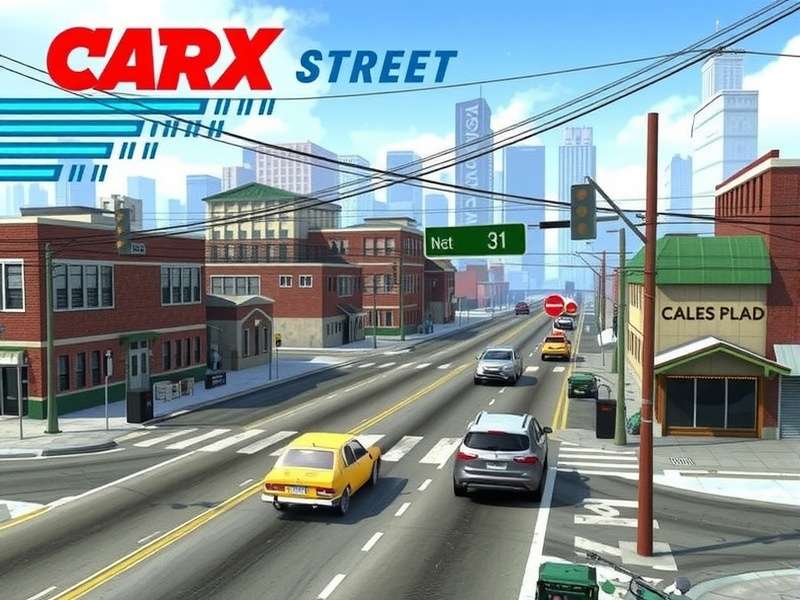
Exclusive benchmark data showing how popular GPUs stack up in CarX Street.
CPU & RAM: How Much Do You Really Need?
While a quad-core CPU from the Intel 4th gen or AMD FX era can technically run the game, you will encounter stutters in the open-world map, especially during transitions and when other AI cars are nearby. For a consistently smooth experience, a modern 6-core/12-thread CPU like the Ryzen 5 5600X or Intel i5-12400F is the ideal starting point.
RAM: 8GB is the absolute floor. With Windows 11 and a few browser tabs open in the background, 8GB will lead to constant swapping and hitches. 16GB DDR4-3200 is the recommended standard. 32GB offers no tangible in-game performance boost currently but provides ample headroom for streaming, recording, or multi-tasking.
If you're looking to see how the game performs on a specific setup, check out our detailed CarX Street PC Gameplay analysis where we capture raw footage from various configurations.
Mobile Requirements Explained: Beyond the Spec Sheet
Mobile gaming is all about thermal management and sustained performance. A phone might start a race at 60 FPS but throttle down to 30 FPS after 10 minutes due to heat. Here’s what you need to know:
Android Specifics:
Devices with Vulkan API support generally perform better and with more stability than those limited to OpenGL ES. Phones with active cooling systems (like gaming phones with internal fans) have a massive advantage in maintaining high frame rates over longer sessions. The Adreno 650 (in Snapdragon 865/870) is considered the baseline for a great "High Settings" experience.
iOS Specifics:
Apple's tight hardware-software integration works wonders. An iPhone 12 (A14 Bionic) can often match or outperform Android phones with theoretically more powerful chips due to superior optimization. The game is particularly smooth on iPad Pro models with ProMotion displays, offering buttery-smooth 120 FPS gameplay.
Wondering if you can race against friends on other platforms? Our guide on CarX Street Crossplay Mobile dives deep into cross-platform functionality and its performance implications.
📚 Related In-Depth Guides
Master every aspect of CarX Street with our comprehensive guides:
- Carxstreet For Pc - The complete installation & setup guide.
- Carx Street Trailer 4k - Analyzing the visual showcases.
- Carx Street Crossplay Xbox - Cross-platform play with console.
- Carx Street Ps5 Settings - Optimize for PlayStation 5.
- Carx Street Mods Money Pc - Understanding mods & economy.
- Carx Street Pc Download Free - Safe download sources.
- Carx Street Pc Best Cars - Performance tier list.
- Carx Street Pc - The ultimate PC hub.
- Carx Street Xbox Trailer - Xbox version insights.
Advanced Optimization Tips for Maximum Performance
Meeting the requirements is one thing; squeezing out every last frame is another. Here are advanced tweaks:
PC Optimization:
- NVIDIA Control Panel/AMD Adrenalin: Set power management mode to "Prefer Maximum Performance" for CarXStreet.exe.
- In-Game Settings: Shadows, Ambient Occlusion, and Post-Processing have the highest cost. Lower these first if struggling for FPS.
- Windows Settings: Enable Hardware-accelerated GPU Scheduling (Windows 10/11) for a potential performance boost.
- Background Apps: Disable unnecessary overlays (Discord, Xbox Game Bar) while playing.
Mobile Optimization:
- Game Booster Modes: Use your device's native game mode to allocate maximum resources.
- Reduce Resolution: Some Android devices allow forcing a lower render resolution within game booster settings.
- Keep Cool: Play in a cool environment. Avoid direct sunlight on the device. Consider a passive cooling clip.
- Battery Settings: Set the game to "Unrestricted" or "High Performance" mode in battery settings.
Frequently Asked Questions (FAQs) on CarX Street System Requirements
Q1: Can I run CarX Street on integrated graphics like Intel UHD or AMD Vega?
A: It's possible at 720p with all settings set to "Low," but the experience will be sub-30 FPS and not recommended. The game is designed for dedicated gaming GPUs and mobile chipsets.
Q2: Is 4K gameplay possible on mobile?
A: No, the mobile version renders at the native resolution of your device's screen (up to ~1440p on some tablets). True 4K output is currently a PC-exclusive feature.
Q3: Why does the game stutter even though I meet the recommended specs?
A: The most common culprits are outdated GPU drivers, background processes, or thermal throttling. Ensure your drivers are up to date, close background apps, and monitor your CPU/GPU temperatures.
Q4: Are the system requirements different for the Xbox or PS5 version?
A: Console versions have fixed hardware. For the best console visual settings, see our dedicated guide on Carx Street Ps5 Settings.
Final Verdict: What Do You Need for the Best CarX Street Experience?
To truly enjoy CarX Street's immersive open-world street racing without compromise:
- PC Gamers: Target a system with an RTX 3060 / RX 6600 XT level GPU, a modern 6-core CPU, 16GB RAM, and an SSD. This will guarantee 60+ FPS at 1080p Ultra or 1440p High settings.
- Mobile Gamers: Aim for a device with a flagship or upper-mid-range chip from the last 2-3 years (Snapdragon 8 series, Apple A14 Bionic or newer) and at least 6GB of RAM for sustained High/60 FPS gameplay.
Investing in the right hardware based on these detailed system requirements will ensure you spend more time tuning your car and dominating the streets, and less time troubleshooting performance issues. Stay tuned to this page for updates as the game evolves and new optimizations are discovered!
Community Corner: Share Your Experience & Rating
How does CarX Street run on your setup? Share your specs, FPS, and tips with the community below!
Post a Comment